
Searching Elbert Cases by Name
Begin at the official Georgia Courts E-Access page. It lists Elbert State Court and Elbert Superior Court. Each listing routes to a vendor rather than a free statewide name field. Choose the court first. Leigh W. Starrett’s Clerk of Superior, State & Juvenile Courts is the county contact for those three case classes. Probate and Magistrate sit in a separate office. Elberton and Bowman handle their own city matters.
- Identify the court from a notice, citation, filing, or known case type.
- Open the official E-Access route and select Elbert State or Elbert Superior before choosing a vendor.
- When the vendor permits it, select the county and court, then enter the party name with careful spelling.
- Compare the result’s case number, caption, court, filing date, and status before opening the docket.
- If no sound match appears, use a Historic Courthouse terminal or call the correct clerk.
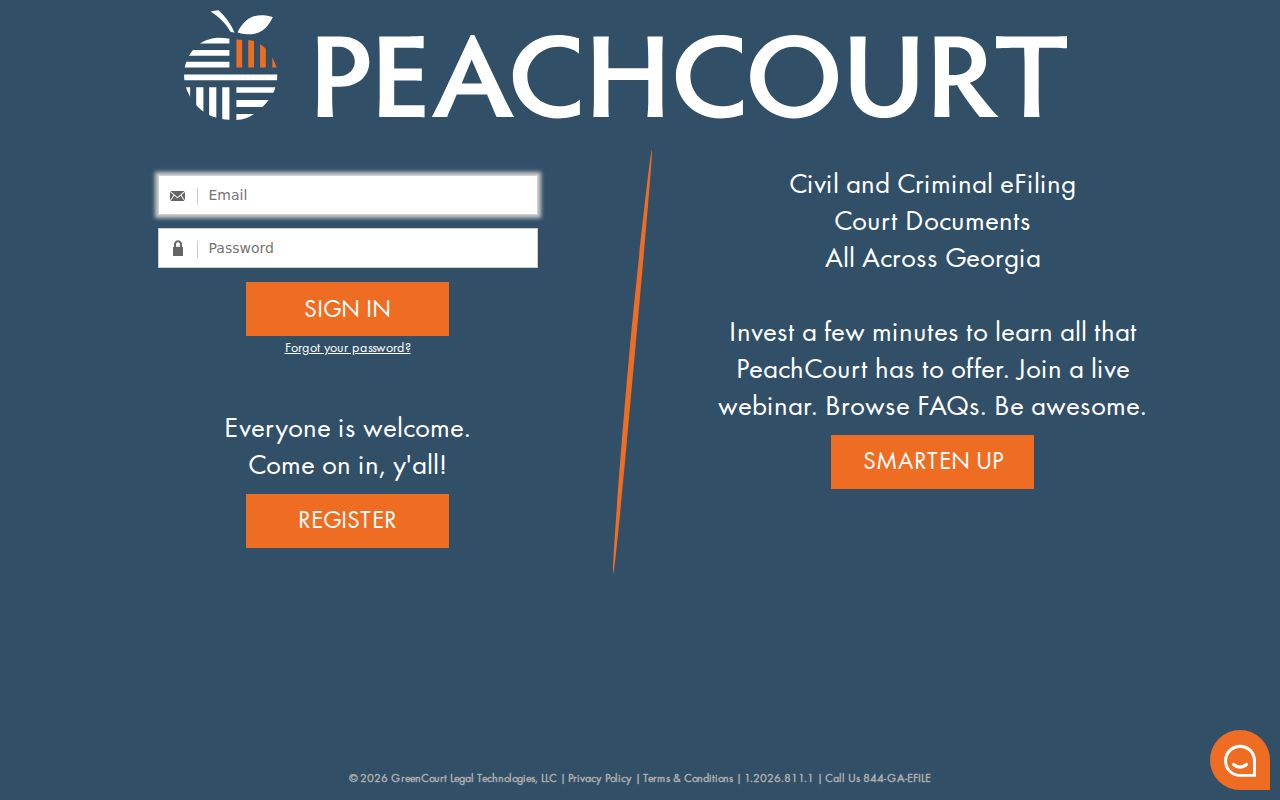
The public PeachCourt shell does not show Elbert wildcard rules, date filters, result limits, or the full post-login fields. So treat results with care. A broad name match may not be the same person, and a blank result does not mean no case exists.
| Search control | Public status | Use |
|---|---|---|
| Elbert court link | Visible on E-Access | Select State or Superior first |
| Vendor choice | PeachCourt or re:SearchGA | Continue through the confirmed provider |
| Party name | Vendor-dependent | Search only after court selection |
| Email and password | Visible login fields | Account access, not a public statewide form |
Elbert Court Before Vendor
Picking the right court first prevents the most common routing error. Felony and major civil cases begin in Superior Court. State Court takes misdemeanors, traffic, preliminary criminal work, and civil matters within its jurisdiction. Juvenile records stay protected. Probate handles estates and related matters, while Magistrate covers warrants, bonds, county ordinance cases, and lower civil claims. City traffic and ordinance cases remain municipal. The official vendor selector is only a routing layer. It cannot promise that every provider holds current Elbert data or identical records. PeachCourt’s published criminal court list does not clearly name Elbert, even though county and state pages point to the vendor. Ask the clerk before assuming coverage.
Searching by Case Number
A complete court case number is the strongest lookup key. Copy it exactly from the filed notice, citation, pleading, or order. Keep every dash and leading zero. eFileGA publishes the general example 2019-CV-012345 and notes a CR variant for criminal matters. That is a vendor tip, not a confirmed Elbert County numbering rule. Pick the court before entering the number. A State Court number may fail in a Superior Court index. A municipal citation is not a county case. Once a result opens, check the caption, filing date, court class, assigned judge, and status. For a current setting, read the newest docket event first. Keep all zeros and prefixes. Elbert County publishes no local case-number format sheet for public use.
Elbert PeachCourt or Terminal
PeachCourt can greet you with a login gate. Its official help says a criminal case page may list the judge, status, co-defendants, attorneys, charges, disposition date, calendar events, proceedings, and documents, though availability varies by court. Some documents also require an account or payment. For a no-account path, the clerk’s three courthouse terminals cover civil, criminal, and real-estate or lien records.
| Channel | Strength | Limit |
|---|---|---|
| PeachCourt | Possible docket and document access | Login, coverage, and fees vary |
| Georgia E-Access | Official court routing | No statewide public search form |
| Clerk terminal | Free courthouse viewing fallback | Must visit and choose the right terminal |
| Clerk phone or counter | Confirms route and current record | Not legal advice |
The manifest’s PeachCourt login capture shows the account gate.
The PeachCourt court-search capture shows a separate search route.
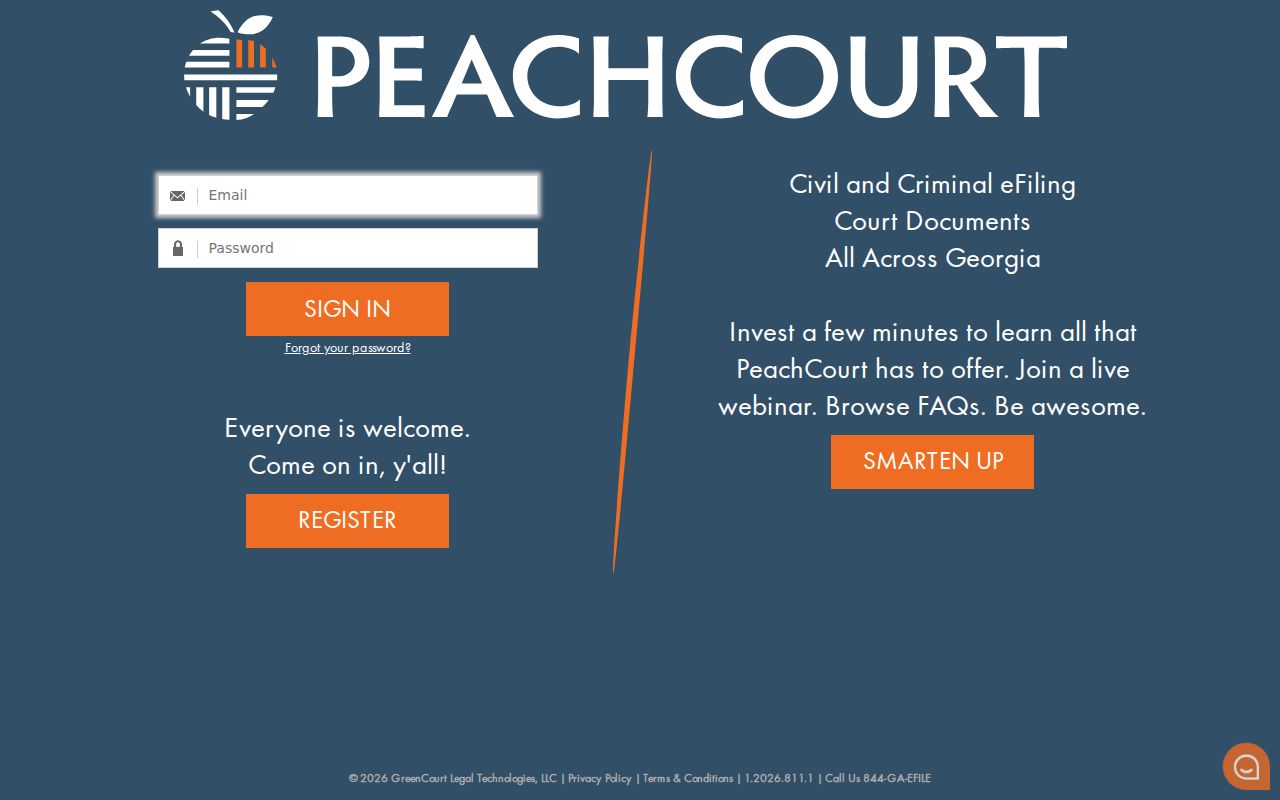
Together they show why a vendor page and a free county search box are not the same product.
What an Elbert Search Returns
A public Elbert County case search can return a register of actions without every filed image. The fields here describe ordinary public Superior or State results drawn from official documentation. What you actually see depends on the court and your access status.
| Case header | Case number, court, filing date, case type, judge, caption, and status. |
|---|---|
| Parties | Public party names and attorneys of record. |
| Docket entries | Dated filings, service, notices, motions, orders, hearings, and outcomes. |
| Settings | Date, time, place, judge, and event type when available. |
| Result | Disposition, judgment, sentence, appeal, or post-judgment event as applicable. |
| Documents | Links may be absent, restricted, or subject to account and fee rules. |
A docket line is just an index entry. The linked complaint, motion, indictment, or order is the filed image, and a certified copy is a third product issued by the clerk. The full retrieval process is covered in Elbert County court records.
Empty Elbert Search Results
An empty vendor result is not a certified statement that no case exists. Recheck the court class. Check the exact case number, the party spelling, and city versus county venue. Ask whether the record is Juvenile, adoption-related, sealed, or otherwise restricted. Recent entries may simply be missing from the route you used.
- Try the full number from the original court paper.
- Use one of the three public terminals at 12 South Oliver Street.
- Call 706-283-2005 for Superior, State, or Juvenile Court.
- Call 706-283-2016 for Probate or Magistrate Court, 706-213-3278 for Elberton citations, or 706-245-5432 for Bowman.
- Ask about paper indexes, bound books, microfilm, or archive retrieval for an older case.
A written Georgia Open Records request can describe the sought record and the form you prefer. Send it to the actual custodian. The clerk can also explain whether a restricted case requires proof of authority or a court order.
Statewide vs Elbert Case Search
Georgia’s state page routes users. Elbert’s custodians hold the actual local layers. eFileGA is an e-filing service for attorneys and self-represented filers, not a guaranteed free public docket search. PeachCourt is a vendor route whose accounts, court list, and document access all differ from the clerk’s terminal.
| Route | Best use | Do not assume |
|---|---|---|
| Georgia E-Access | Find an official court/provider path | One statewide name database |
| Elbert clerk | Confirm Superior, State, and Juvenile records | That it holds Probate or city dockets |
| Vendor | Search where access and coverage exist | That a blank result is final |
| Public terminal | No-account county viewing | That protected files become public |
The clerk’s counter, telephone, mail, fax where accepted, and written request remain open channels. Certified results come from the custodian, never from the statewide routing page.
Federal Search Is Separate
Federal cases live in federal systems. PACER is the official federal docket service, while CourtListener offers a separate public research route for some federal opinions and dockets. Neither one is the Elbert Superior or State Court database. That boundary matters.
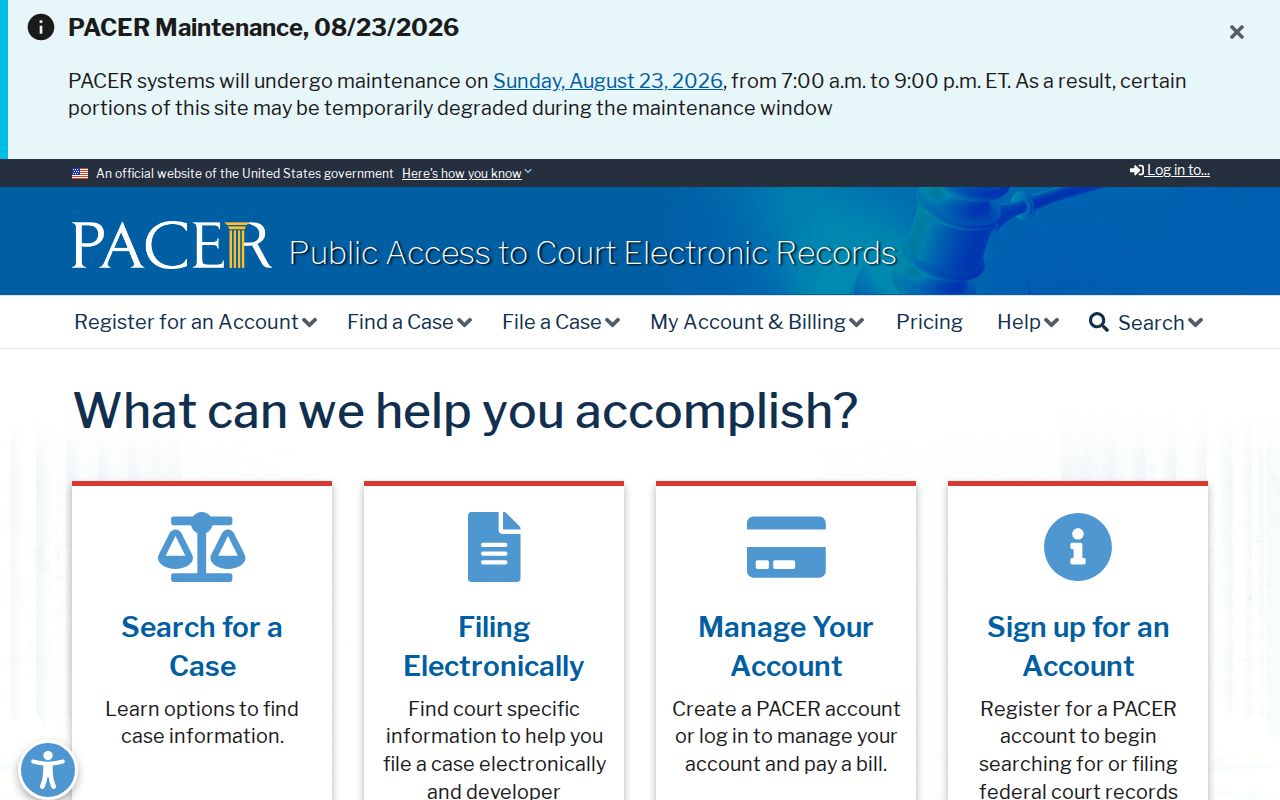
Use those federal tools only when the matter was filed in federal court. CourtListener, in particular, is a distinct research interface of its own.
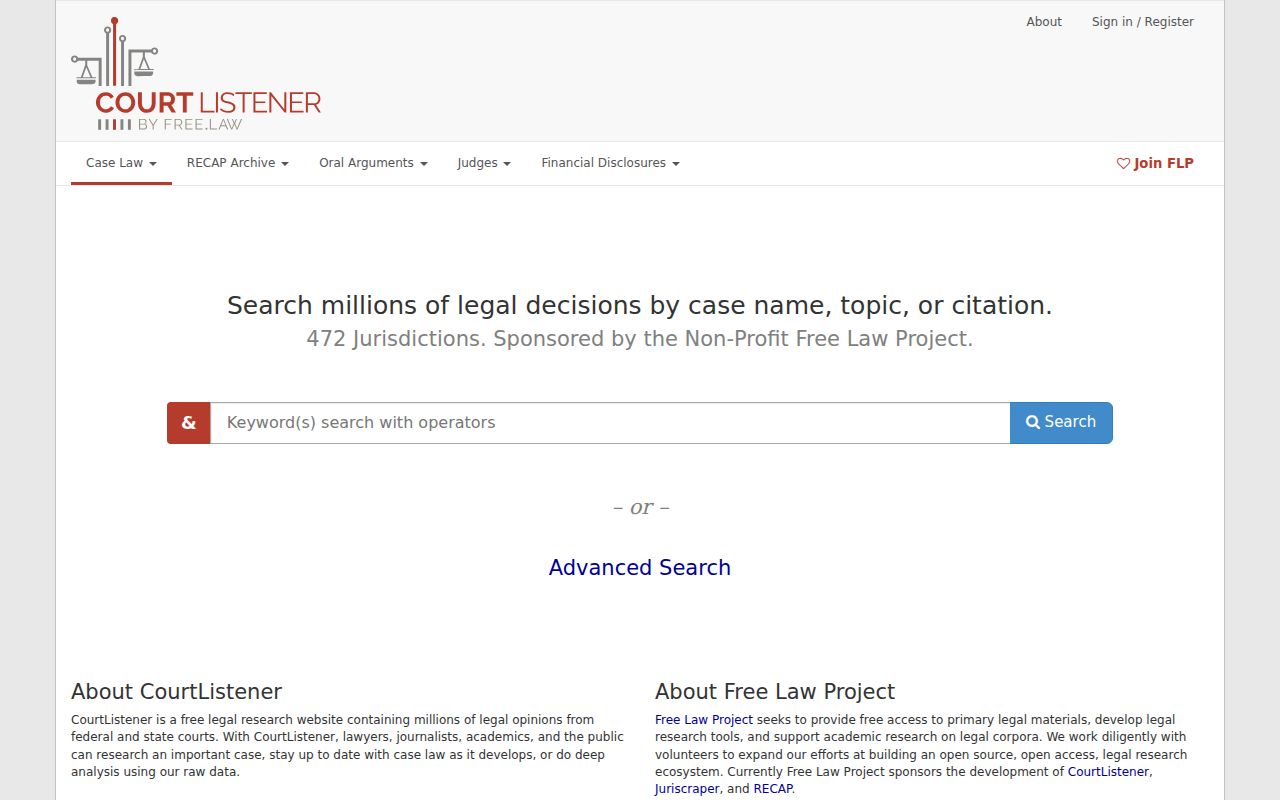
Neither site replaces the Elbert clerk. Any copy needed for formal use should come from the court that filed the case.
Elbert Search Access Limits
Court records in Elbert County start out public under Uniform Superior Court Rule 21. Law, procedure, or a judicial order can still close them. Rule 21.6 adds protection for personal identifiers. A public docket result may mask sensitive numbers, show only a restricted label, omit a document image, or leave out the whole case.
Some files sit outside ordinary name searches entirely. Juvenile and adoption cases are the main ones. Sealed cases and unexecuted proposed orders belong there too. When a docket entry seems thin, do not read it as proof that nothing happened. Ask the clerk which access route applies rather than asking staff to reveal protected facts.
Elbert Docket Text and Images
Three layers matter here. The docket is just the dated index of a case. A filed image is the real pleading, order, or exhibit behind an entry. A certified copy carries the clerk's authentication. Any Elbert County case lookup can surface one layer while the others stay hidden. Check each before assuming what you have.
- Docket entry
- One dated filing, notice, hearing, order, or outcome line.
- Case style
- The formal short title naming the parties or the State and defendant.
- Status
- The current lifecycle label, such as pending, disposed, appealed, sealed, or restricted.
- Disposition
- The outcome that closes or resolves a charge or claim.
- Certified copy
- A clerk-authenticated reproduction, not a screenshot.
Read docket entries in their full display text. Elbert County publishes no official list of local abbreviations, and shorthand like "CONT" or "ORD" that looks familiar may mean something else in the register. Ask the clerk to confirm any shorthand you see.