
How to Get Court Records
Begin with the right office. The main trial-court files sit at the Historic Courthouse. Leigh W. Starrett, Clerk of Superior, State & Juvenile Courts, keeps them. Probate and Magistrate records live at 45 Forest Avenue instead. City matters go elsewhere: Elberton Municipal Court and Bowman City Hall each handle their own. For the main trial-court files, the county clerk page is the official contact point.
- Write down the court, case number, caption, date range, and exact document or docket sought.
- Check the official Georgia Courts E-Access route and distinguish a docket line from an available image.
- Use one of the three public terminals at 12 South Oliver Street, or visit the proper separate court counter.
- Call 706-283-2005 for Superior, State, or Juvenile files; call 706-283-2016 for Probate or Magistrate records.
- Request by mail at PO Box 619, Elberton, GA 30635, or ask whether fax to 706-213-7286 is accepted. Confirm payment, ID, delivery, and return-envelope rules first.
- When needed, send a specific written Georgia Open Records Act request to the actual custodian and state whether electronic or paper delivery is preferred.
Elbert County publishes no dedicated certified-copy form, no online records request form, and no set turnaround time. Call first to confirm where your request belongs, since paperwork sent to the wrong court only slows things down. An Elbert County case search can get you the case number before you make the records request.
Three Elbert Record Products
Think of the Elbert County clerk's office as handing out three different products. A docket is the chronological register of a case. It can show a motion or order was filed without showing the paper itself. The filed document is that paper. The list runs from complaint, indictment, answer, motion, order, judgment, return, to exhibit. A certified copy is the clerk's authenticated reproduction of any of it.
| Product | What it gives | Likely channel |
|---|---|---|
| Docket | Dated index of events, settings, and outcomes | Vendor or public terminal |
| Filed document | The actual pleading, order, or other file image | Vendor, terminal, counter, or request |
| Certified copy | Clerk-authenticated court record | Clerk counter or confirmed mail route |
A copy of the Elbert County docket page is not a certified court record. Seeing a docket line does not mean you can click through to the filed document, so ask the clerk for the exact record layer you need.
Types of Elbert Court Records
Superior Court files may hold felony cases, domestic matters, equity, major civil litigation, and appeals from lower courts. State Court handles misdemeanor, traffic, and preliminary criminal matters, plus civil cases within its jurisdiction. Juvenile files sit in the same clerk structure, but they are shielded from ordinary public access.
- Civil complaints, petitions, answers, motions, service returns, orders, judgments, and post-judgment filings.
- Criminal charging instruments, motions, hearing notices, pleas, orders, dispositions, and sentencing entries where public.
- State Court citation and traffic case records held by the county clerk.
- Probate estate, guardianship, and related records held by Probate Court, subject to access rules.
- Magistrate warrants, committal, bond, ordinance, judgment, writ, and lower civil files.
- Municipal traffic and ordinance records held by Elberton or Bowman.
Transcripts sit in their own category. They come from the court reporter rather than the docket desk, and Elbert County posts no local request form, fee schedule, or turnaround time for them. Contact the assigned court and ask how to reach the reporter.
Elbert Public Terminal Access
The Elbert County clerk page lists three public terminals. They cover Civil, Criminal, and Real Estate or Lien records. Anyone can walk up and use them. No account is needed. That makes the machines a handy fallback when a vendor login blocks a docket search. Ask staff which terminal holds the court record you need. Keep in mind that civil and criminal access does not extend to protected Juvenile material.
Terminal advantage: the courthouse route can be more direct than a vendor account when online Elbert coverage or document availability is unclear.
Statewide electronic-access rules require a free way to view electronically filed documents at the courthouse, either on a screen or on paper. That rule backs up terminal access to Elbert County court records. It does not override sealing, redaction, or clerk-copy charges.
What an Elbert Record Contains
A typical public case file has two parts: a header plus entries in chronological order. The exact fields depend on case class and provider. Elbert County publishes no local code dictionary, so rely on the full display text instead of imported shorthand.
| Header | Case number, filing date, court, case type, assigned judge, caption, and status. |
|---|---|
| Parties | Public plaintiffs, petitioners, defendants, respondents, and attorneys of record. |
| Metadata | Charge or civil cause, classification, and related case details where public. |
| Entries | Filings, service, notices, motions, orders, hearings, pleas, judgments, and disposition. |
| Settings | Date, time, courtroom, judge, and setting type if exposed. |
| Documents | Available images, appeal links, related cases, transfer notes, or restricted labels. |
Identifiers that the law shields get redacted or moved to a restricted identifier page. If a number looks masked or an image is gone, the docket event itself may still be there.
Missing Elbert Document Images
PeachCourt's own documentation mentions that accounts may be required. It also says older coverage may reach back to about 2005. That statement alone proves nothing about current Elbert participation or its exact date range. Some images stay unavailable by nature: sealed cases, adoptions, and unexecuted proposed orders. And a document can carry an unavailable flag while its docket line still shows plainly.
- Confirm that the result belongs to the right Elbert court and case.
- Ask whether the image needs an account or per-document payment.
- Use the public terminal and note the docket date and document title.
- Call the clerk and request the exact filed item, plain or certified.
- For older records, ask about paper files, bound indexes, microfilm, and archive retrieval.
The county's historic real-estate index reaches back much further than any court docket. Don't read that depth as proof of equal docket coverage. The two record systems are separate.
Certified Copies and Fees
The current Elbert County clerk page posts the copy amounts. Those fees cover clerk services only, not every vendor or transcript. Before you order, confirm the page count, any delivery charge, the payment method, and whether a certified docket sheet you request falls under the ordinary certified-copy schedule.
| Request | Published amount or status |
|---|---|
| Plain copy made in office | $1 per page |
| Certified copy | $2.50 first page, plus $0.50 each additional page |
| Certified docket sheet | No separate amount published |
| Exemplified copy | Amount and process not published |
| Search fee | Not published; do not assume zero |
| Vendor document | Account and provider dependent |
| Transcript or audio | Local reporter rate not published |
A plain copy just reproduces the page from the Elbert County court file. A certified copy goes further. The clerk authenticates it. Many agencies require that step for legal use. For exemplified copies or apostille service, call ahead. Elbert publishes no set fee or steps for those. Before mailing any funds, phone 706-283-2005. The clerk's payment and delivery options are not all listed online.
Written Elbert Records Requests
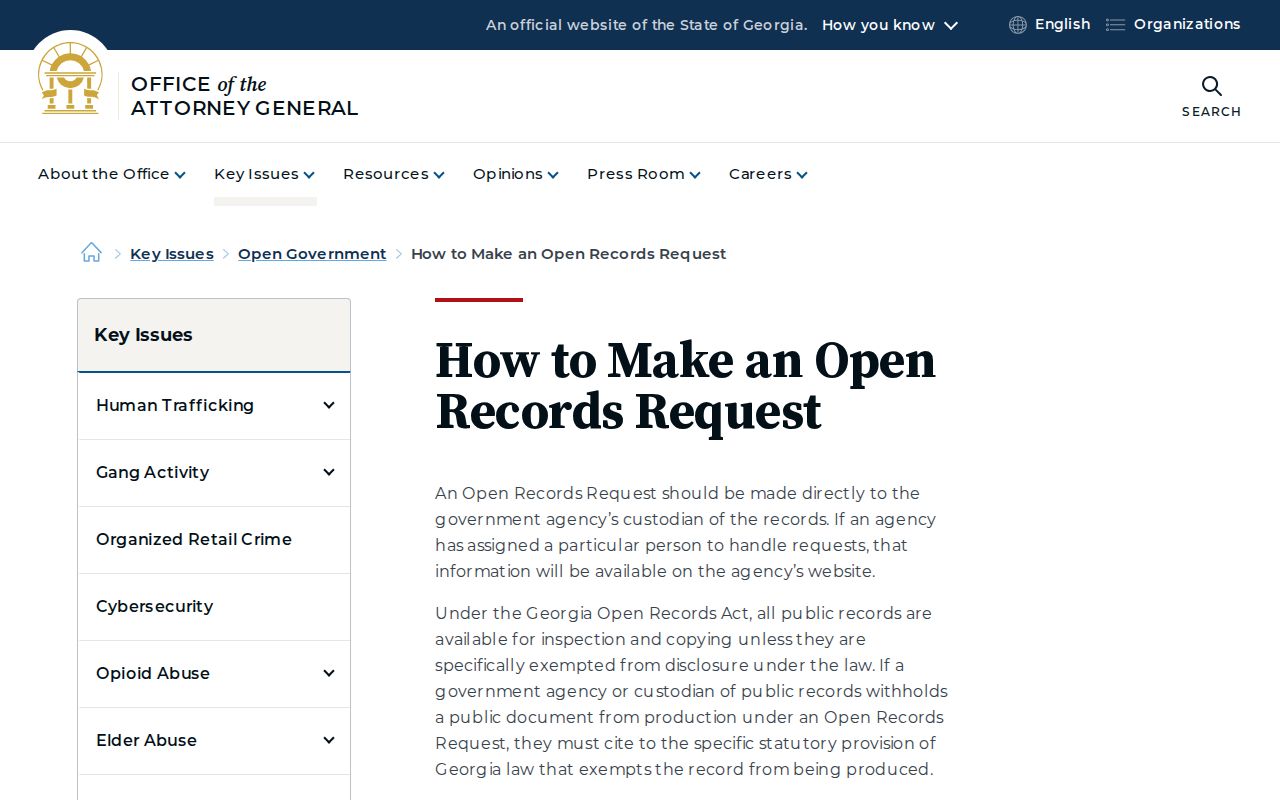
Georgia's Attorney General treats a records request as a simple letter. It is not a form Elbert County requires you to fill out. The official request instructions tell you to describe the court records you want. Send the request to the office holding them. Detail matters. Name the case, the parties, and the case number if you have it. Clerk staff can then find the file without guessing.
- Requester name and reliable contact information.
- The correct court and custodian.
- Case number, caption, document title, and date or date range.
- Plain or certified copy and the number of copies.
- Preferred electronic or paper delivery and a request for a fee estimate.
Expect an initial response within three business days under the state's framework. Lawful delays, exemptions, and reasonable search or copy costs can stretch that out. Elbert County itself posts no separate turnaround promise for court records. If you need certified or protected material, confirm the details with the clerk first. That means authorization, ID, payment, and mailing arrangements. The state's open-records guidance is the rule this written-request fallback follows.
Note: A written request asks for records that already exist in the Elbert County court file. It does not oblige a clerk to create a new report.
Public Access and Sealed Records
Elbert County court records start from a presumption of openness. Uniform Superior Court Rule 21 treats a court docket or case file as public. A statute, a procedural rule, or a signed judicial order must close it. Rule 21.6 adds a shield for personal identifiers inside those filings. State law gives requesters a second tool. Georgia's Open Records Act, built on O.C.G.A. §§50-18-70 and 50-18-71, lays out a written-request process for government documents. That statute does not override a court's sealing order, though, and specific exemptions still stand.
Access boundary: Juvenile, adoption, sealed, and protected files may be hidden, labeled restricted, or available only to authorized people.
A visible docket entry can remain public while its filed image is withheld or redacted.
The official Georgia open-government FAQ is captured in the manifest.
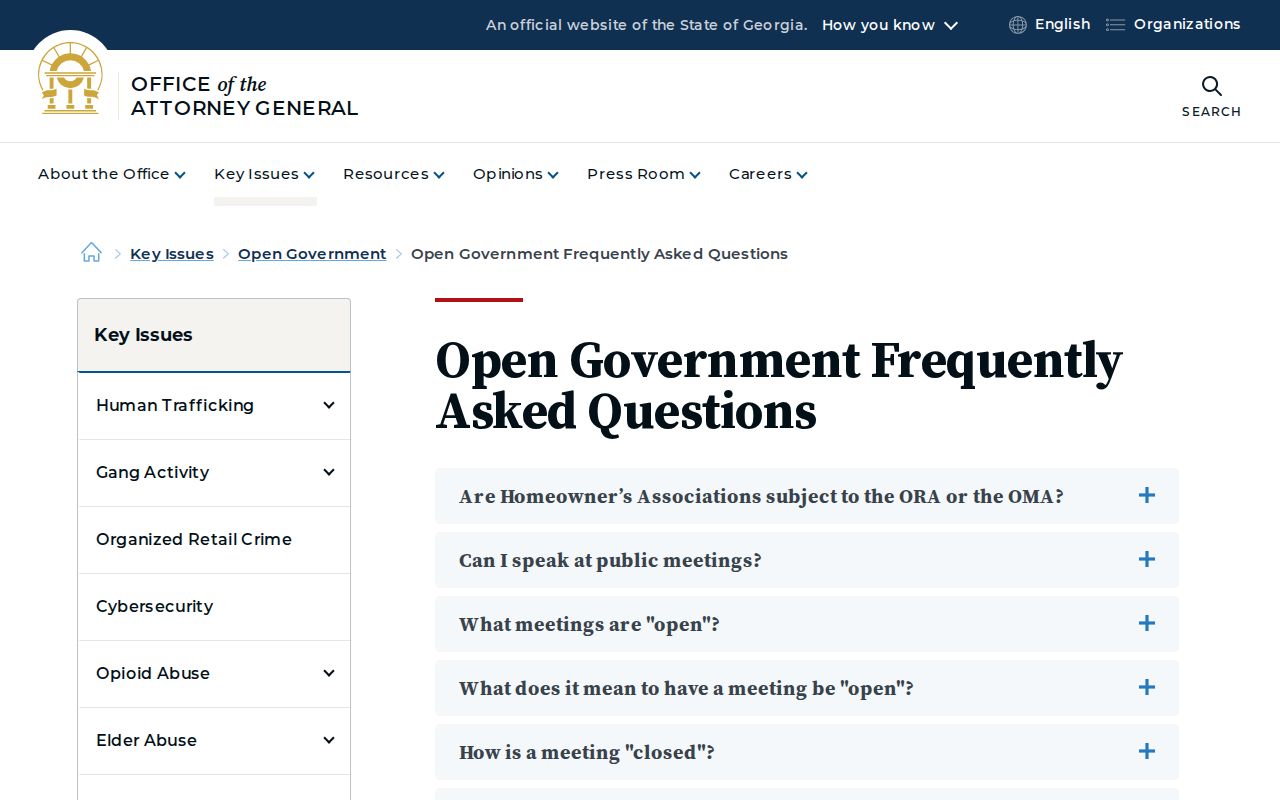
The state's own guidance sits behind that link. What it explains is the request process; how Elbert County answers still turns on the law that applies to the record.
Clerk of Superior, State & Juvenile Courts
Leigh W. Starrett
12 South Oliver Street
PO Box 619
Elberton, GA 30635
706-283-2005
Fax: 706-213-7286
Email: leigh.starrett@gsccca.org
Federal Records Are Separate
Federal cases never live in the Elbert County clerk's docket books. They belong to the Middle District of Georgia. CM/ECF and PACER track the filings there. Bankruptcy works the same way. That paperwork sits with the federal bankruptcy court. It never goes to any Elbert County court records office. And a caption mentioning Elbert County changes nothing. Federal is federal, and the county docket never holds it.
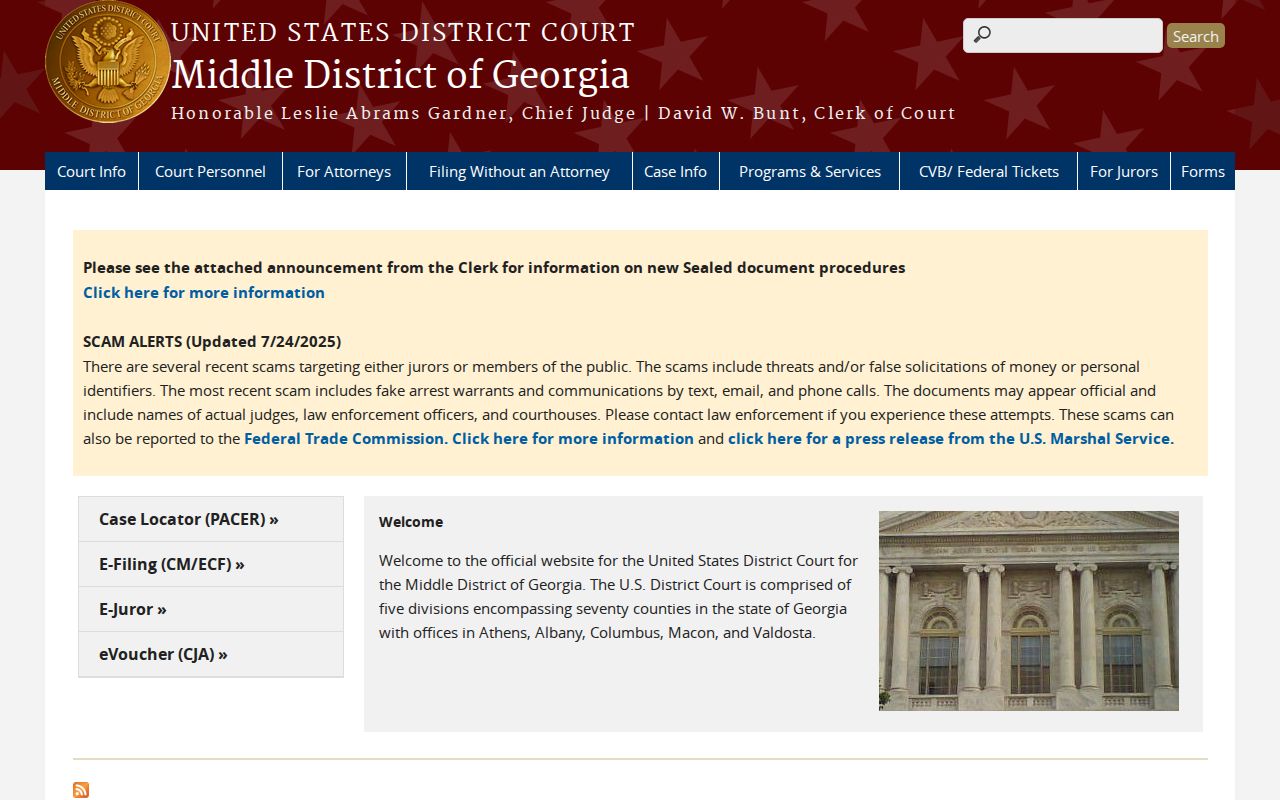
The federal trial-court route runs through that district, not through 12 South Oliver Street. For Middle District bankruptcy filing information, this record page points the way.
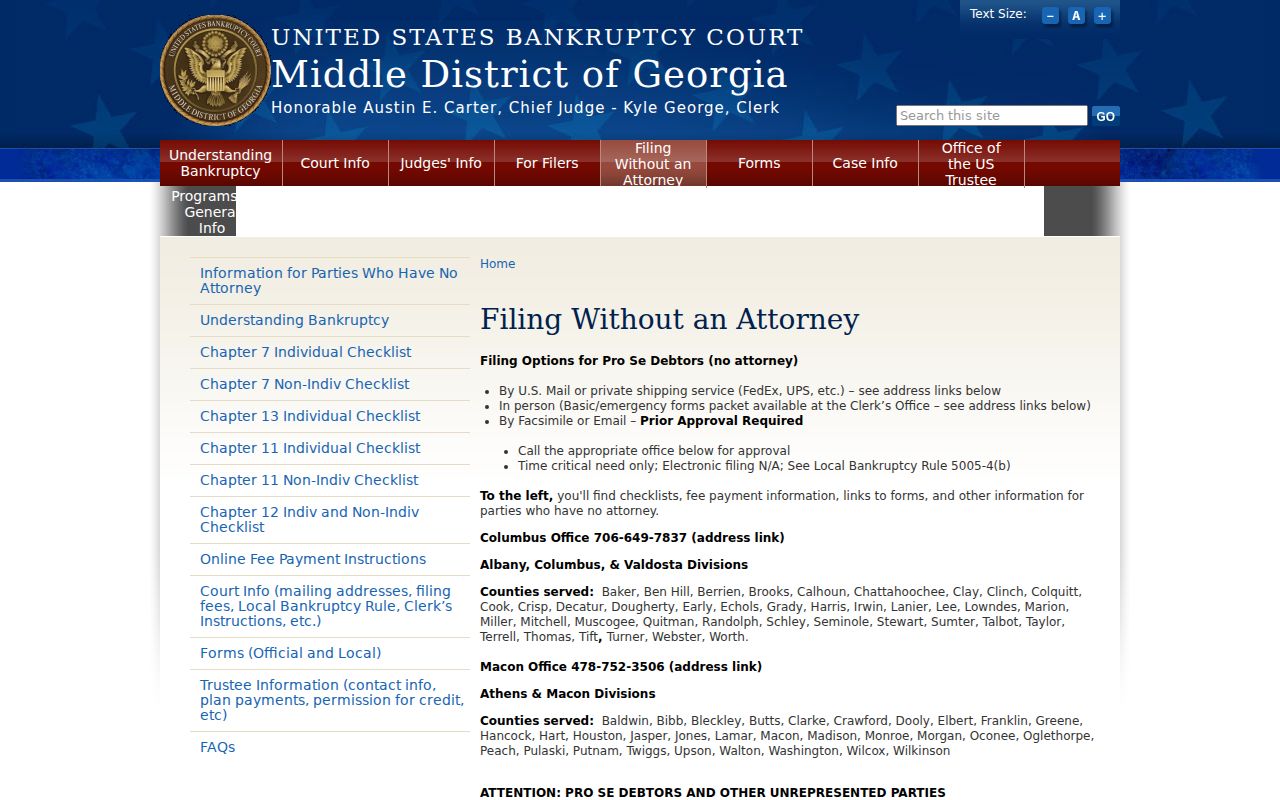
Federal clerk: that split in custodians keeps a county clerk request from ever reaching a federal bankruptcy record.